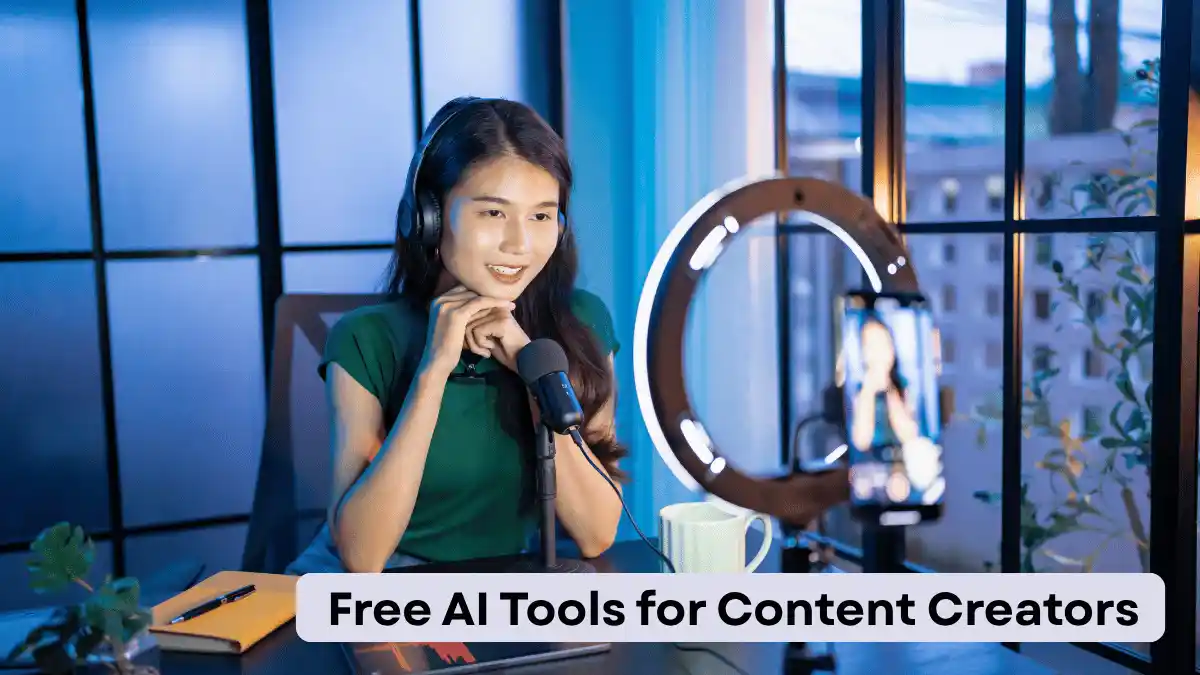
Creating quality content consistently can be challenging. Whether you are a blogger, YouTuber, social media manager, freelancer, or digital marketer, there are days when you simply run out of ideas or spend too much time on repetitive tasks.
The good news is that free AI tools for content creators can make many parts of the content creation process faster and easier. From generating ideas and writing drafts to creating images, editing videos, and improving SEO, AI tools can help creators work more efficiently.
In this guide, we will explore some of the most useful free AI tools and explain how they can fit into your everyday content workflow.
What Are AI Tools for Content Creators?
AI content creation tools are software applications that use artificial intelligence to assist with tasks such as writing, research, image generation, video editing, transcription, brainstorming, and optimization.
Instead of replacing the creator, these tools are most useful as assistants. You can use AI to create a first draft or generate ideas, then add your own experience, opinions, examples, and editing to make the final content original.
This approach can save time while keeping your content personal and authentic.
Why Use Free AI Tools for Content Creation?
There are several reasons creators are turning to AI-powered tools.
Save time: AI can help with repetitive tasks and quick brainstorming.
Generate ideas: When you have writer’s block, AI can suggest topics, headlines, questions, and content angles.
Improve productivity: Creators can complete more tasks without spending hours on basic preparation.
Support different formats: AI can assist with blog posts, social media captions, video scripts, summaries, and more.
Begin without a large budget: Many popular platforms offer free plans or free features, making them accessible to beginners.
However, free plans often come with usage limits. Features, limits, and pricing can also change, so check the provider’s current terms before relying on a particular feature.
1. ChatGPT for Writing and Brainstorming
ChatGPT can be useful for brainstorming article ideas, creating outlines, rewriting text, explaining difficult topics, and developing video scripts.
For bloggers, it can help turn a general idea into a structured outline. You can also ask it to suggest FAQs, social media captions, meta description ideas, or different headline variations.
The best results usually come when you provide clear instructions and then review the output yourself. Adding personal experience and original information can make the finished content much more valuable.
2. Canva AI for Visual Content
Canva is popular among creators who need social media graphics, thumbnails, presentations, posters, and other visual content.
Its AI-powered features can help users generate or modify designs and speed up common creative tasks. Beginners can also start with templates rather than designing everything from scratch.
For content creators, attractive visuals can be particularly useful for blog featured images, YouTube thumbnails, Pinterest graphics, and social media posts.
3. Grammarly for Writing Improvement
Good content should be easy to read. Grammarly can help identify grammar, spelling, punctuation, clarity, and style issues.
It can be useful when editing blog posts, newsletters, emails, social media posts, and professional documents.
AI writing assistance should not replace human editing, though. Always check suggestions carefully because automated recommendations may not fit the context or the tone you want.
4. CapCut for AI-Assisted Video Editing
Video creators can use CapCut to simplify editing tasks for short-form and social media videos.
Depending on the current version and region, its features may include automatic captions, background removal, effects, templates, and other AI-assisted editing options.
For creators producing TikTok videos, YouTube Shorts, Instagram Reels, or similar content, these features can reduce the amount of manual editing required.
5. Adobe Express for Quick Content Creation
Adobe Express provides tools for creating social graphics, flyers, videos, presentations, and other visual materials.
Its AI features can assist with tasks such as generating designs and editing visual content. The platform is particularly useful for creators who want a simple workflow without learning complicated professional design software.
A consistent visual style can also help a website, YouTube channel, or social media page look more professional.
6. Google Gemini for Research and Ideas
Google Gemini can be useful for brainstorming, summarizing information, explaining concepts, and developing content ideas.
For example, a blogger could use it to create a list of questions readers may have about a topic and then use those questions to build a useful article structure.
When researching factual subjects, always verify important information using reliable sources. AI systems can sometimes produce incorrect or outdated information.
How to Use AI Without Making Your Content Generic
Using AI does not automatically make content useful. The biggest difference comes from how you use it.
Instead of asking an AI tool to write an entire article and publishing the result immediately, use AI throughout the workflow.
Start by researching your audience. Then use AI for brainstorming and outlining. Write or refine the important sections with your own knowledge and experience. Finally, fact-check, edit, and improve the article before publishing.
Add original examples, practical tips, screenshots, personal observations, or expert insights whenever possible.
This makes the content more useful to readers and helps prevent every article on your website from sounding the same.
Are Free AI Tools Good for SEO?
Yes, AI tools can support an SEO workflow, but they are not a replacement for good SEO practices.
You can use AI to brainstorm keywords, organize headings, identify potential questions, improve readability, and create content outlines.
However, search engines ultimately need useful content that satisfies the reader’s intent. Simply repeating a keyword many times is unlikely to create a better article.
For the keyword “free AI tools for content creators,” for example, natural usage is better than forcing the exact phrase into every paragraph.
Focus on answering the reader’s questions clearly, using descriptive headings, providing useful examples, and maintaining a good user experience.
Final Thoughts
The growing number of free AI tools for content creators gives beginners and experienced creators more ways to improve their workflow without making a major investment.
AI can help with brainstorming, writing assistance, graphic design, video editing, proofreading, and research. The most effective strategy is to treat these tools as creative assistants rather than automatic content machines.
Choose a few tools that solve your biggest problems, learn how they work, and combine them with your own creativity and judgment. Most importantly, review everything before publishing and make sure your final content provides genuine value to your audience.
Read Also: Best AI Tools for Students in Nepal: Top AI Study Tools to Learn Faster in 2026